
PPI describes image pixels per inch of physical output. DPI usually describes a printer’s dots per inch, although image software often uses “DPI” as shorthand for a stored density label. Pixel dimensions, that label and the printer’s hardware resolution are different pieces of information.
Keep three numbers separate
First, a raster image has a pixel grid, such as 2400 × 3000. That tells you how many sample positions exist horizontally and vertically. Second, it may store a density, such as 300 PPI, which connects the grid to a suggested physical size. Third, the printer has its own way of laying down marks on paper.
The word “resolution” can refer to any of these in casual conversation. Ask for the unit whenever the meaning is unclear. A request for 300 PPI at 8 × 10 inches is actionable. A request for “high resolution” without a size or purpose leaves important questions unanswered.
PPI: distribute pixels over physical inches
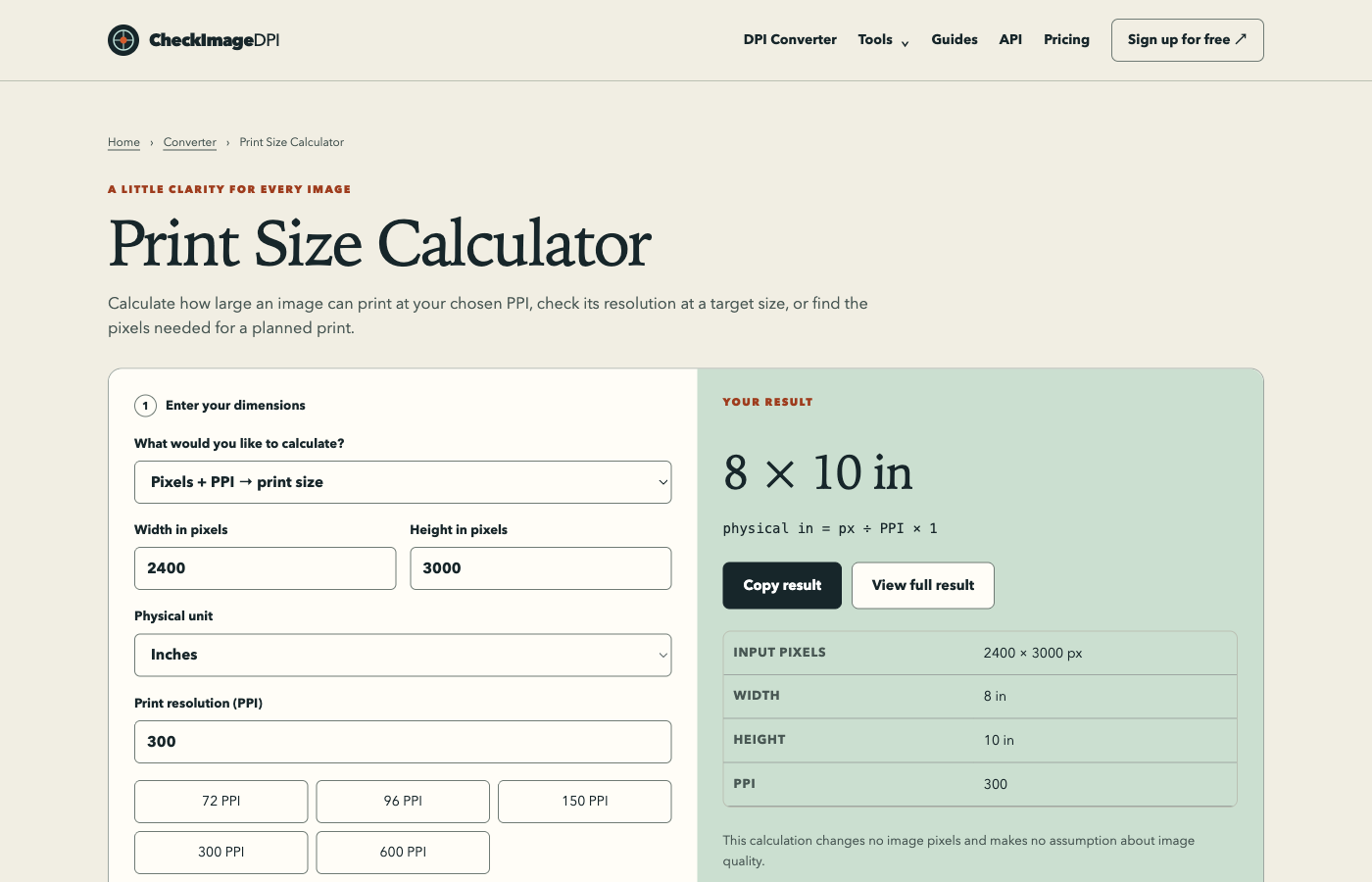
The calculation is PPI = pixels ÷ inches. A 2400-pixel edge printed across 8 inches provides 300 PPI. Spread the same edge across 16 inches and it provides 150 PPI. The file has not gained or lost pixels; the physical placement changed.
Use both axes. If a 2400 × 3000 image is placed at 8 × 10 inches, both axes give 300 PPI. If it is stretched to 10 × 10, the horizontal axis gives 240 while the vertical gives 300, and the subject is distorted. Cropping or padding is usually a more deliberate way to address a mismatched ratio.
Printer DPI is not image PPI
A printer can use multiple marks to reproduce the colour and tone of an image pixel. Its advertised hardware DPI therefore does not mean you should make the input image have the same PPI. Adobe’s printer-resolution guidance distinguishes image resolution, printer resolution and screen frequency for this reason.
Use the print provider’s input specification, including physical dimensions, colour requirements and bleed. A larger hardware number does not by itself tell you how many source pixels your photograph needs. The paper, printing method and viewing distance affect the result, so a proof may be more informative than increasing a number in an export dialog.
The image’s density label
An image can store a density that software uses to suggest a physical size. Changing that label can leave the pixel grid intact. A 2400 × 3000 file tagged 300 PPI suggests 8 × 10 inches; tagged 150 PPI, it suggests 16 × 20. The picture’s source detail is unchanged.
The file can also contain no usable density or contain competing records. In those cases, an application may choose a default or select one source. A detailed report should say what was actually stored, including missing or conflicting values. A default chosen by an application is not automatically the camera’s original measurement.
Convert between pixels and print size
To find inches, divide pixels by PPI. To find pixels, multiply inches by PPI. For centimetres or millimetres, convert the physical unit to inches first. These equations describe a planned placement; they do not assess sharpness, colour or authenticity.
Suppose a layout calls for a 5 × 7 inch photograph at 300 PPI. You need 1500 × 2100 pixels after any crop. If the original ratio differs, decide which area of the image will remain before calculating. For metric templates, whole-pixel rounding can produce a small difference from the exact physical dimension, so show the assumption and rounding rule.
Why screen size does not settle the question
A browser can display an image at a chosen layout size, and a device can map that layout onto a screen with a different physical pixel density. Browser zoom and operating-system scaling further affect how large the picture appears. A 1000-pixel-wide image therefore has no single physical width on every screen.
For a web delivery requirement, start with the requested pixel dimensions, responsive layout and byte budget. Do not assume that changing a 72 or 96 PPI label will make a browser image smaller or sharper. Test the image in the actual layout, especially when the same asset appears on both a small phone and a high-density desktop display.
One image, three different operations
Consider that same 2400 × 3000 original. A DPI-only edit changes the stored density while preserving the grid. A resize to 1200 × 1500 reduces the grid. A JPEG quality change can keep the grid at 2400 × 3000 while altering compression and pixel values. All three may change the file’s bytes, but they solve different problems.
Choose the operation by the destination’s constraint. If a printer rejects only the label, use a density edit. If a website requires 1200 pixels on an edge, resize. If a byte limit is the problem, evaluate dimensions and compression together. Keeping these decisions distinct helps avoid unnecessary quality loss.
How to describe a file clearly
Use a statement such as “2400 × 3000 pixels, placed at 8 × 10 inches, providing 300 PPI.” If useful, add the stored density and the export format. This gives another person enough information to reproduce your calculation without guessing what you mean by “300 DPI image.”
Remember that a correct calculation is only part of a quality check. An out-of-focus capture can have many pixels. Heavy compression can damage edges. Colour can shift when profiles or output conditions differ. Use metadata and arithmetic to establish the geometry, then inspect the actual image and, where needed, the physical print.
Sources and method
Reviewed on September 15, 2026. Numerical examples are worked calculations, not measurements of your image. Linked product documentation describes the cited application or standard; CheckImageDPI examples and test observations are identified separately.
Frequently asked questions
Why does this site say DPI when it means image density?
DPI is a familiar search and software label. For the pixels-to-physical-size calculation, PPI is the more precise term.
Can I convert DPI to pixels without a size?
No. You need a physical dimension as well as the density to calculate an edge’s pixel count.
Should I match my printer’s advertised DPI?
Use the printer or print service’s recommended input image PPI rather than equating it with hardware dots per inch.